Is Screen Recorder Safe? — Extension Safety Profile
Quick verdict: Screen Recorder earns a safety grade A, 81 out of 100, based on 5 of 5 dimensions.
81/100
Grade A · 5 of 5 checks
What we found
Automated safety profile from public signals (the extension's manifest & permissions, store listing, publisher, privacy policy). A full review hasn't been published yet.
What this safety grade means
Screen Recorder earns a safety grade of A (81/100), measured across 5 of 5 dimensions. Its strongest area is Data & Privacy (100%). The weakest is Maintenance & Ownership (30%) — what holds its grade back the most.
On the public records we can check, Screen Recorder comes through cleanly. 2,000,000 active users/installs reported on the store. Store rating 3.8/5 from 1,900 user ratings. Last updated on the store 2024-06-17 (24 months ago). This is an automated profile, not a hands-on review — so treat the grade as a starting point: open Screen Recorder's own store listing and privacy policy before installing, and weigh it against the other screenshots & screen recording extensions we track below.
Safety Signals
Based on 5 of 5 safety dimensions
| Dimension | Score | Bar | Source |
|---|---|---|---|
| Publisher & Identity | 60% · 4.8/8 pts 2 of 5 checks verified | Automated signals | |
| Permissions & Access | 90% · 22.5/25 pts 3 of 3 checks verified | Automated signals | |
| Data & Privacy | 100% · 16/16 pts 4 of 5 checks verified | Automated signals | |
| Maintenance & Ownership | 30% · 2.3/7.5 pts 1 of 2 checks verified | Automated signals | |
| Community Reputation | 84% · 8.4/10 pts 2 of 4 checks verified | Automated signals |
In-depth safety analysis
Screen Recorder requests only the desktopCapture permission. This lets it capture your screen content, including any open windows or applications, which is essential for a recording tool. For its category, the permission scope is unusually narrow; it does not ask for access to tabs, browsing history, or cookies. The extension uses Manifest V3, which enforces stricter security boundaries.
Screen-recording tools inherently carry the risk that recordings may capture sensitive information like passwords or private messages. Users should be mindful of where recordings are saved and whether they are transmitted. While uncommon, clones of screen recorders have been used in scams to trick users into granting screen access, so it is wise to install only from the official listing.
According to developer-declared privacy practices, data is not sold, not used for unrelated purposes, and not used for creditworthiness — contributing to a perfect Data & Privacy score. The weakest dimension is Maintenance & Ownership,, which suggests potential concerns about the frequency of updates or the long-term commitment of the publisher. Users who value active maintenance may weigh this lower score accordingly.
AI-assisted analysis of the documented signals above (permissions, store data, privacy practices) — explains what they mean and the risks typical for this category. Not a hands-on test.
What the store listing shows
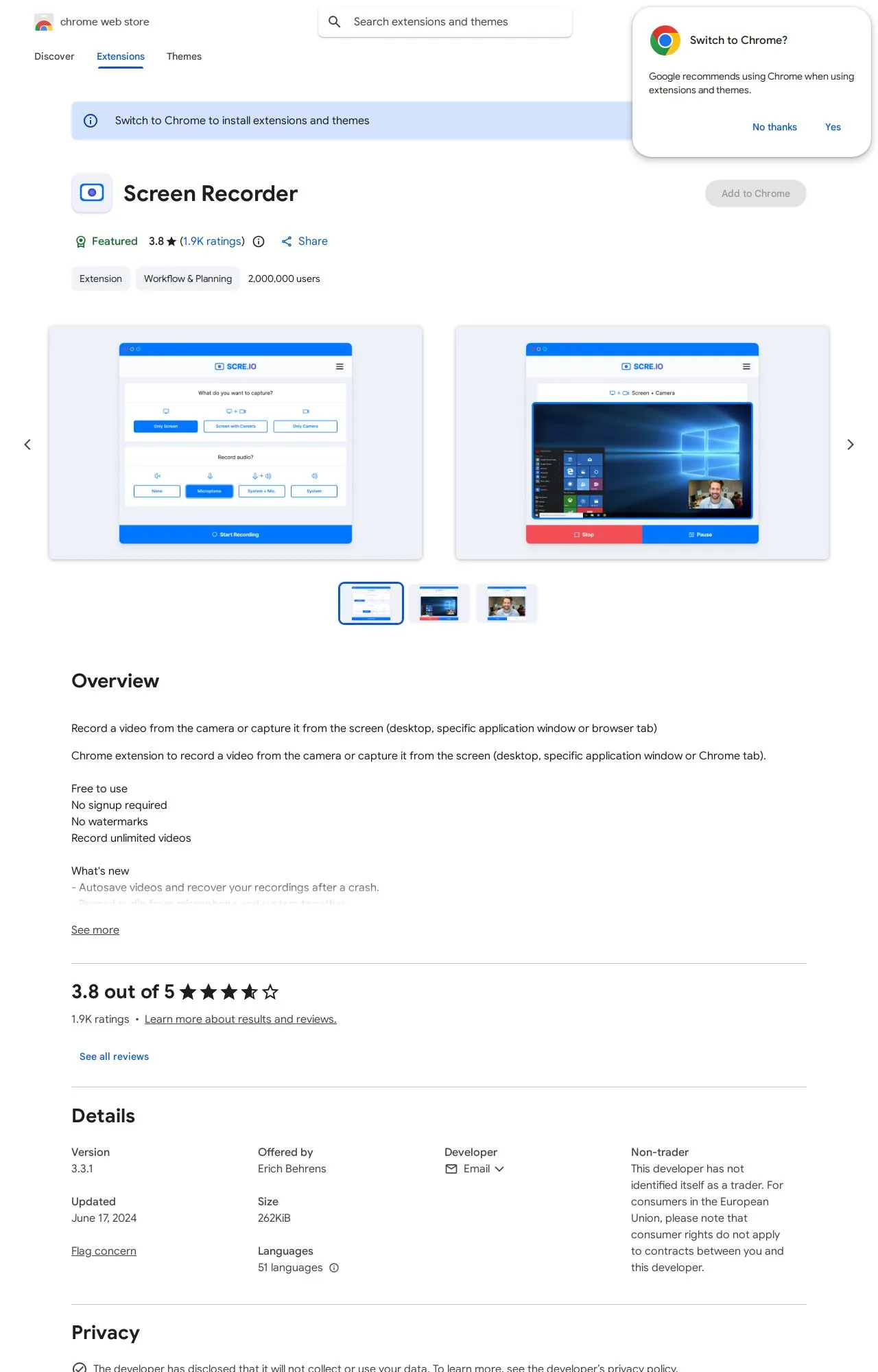
Who's Behind Screen Recorder?
- Publisher Erich Behrens
Public records identify the publisher, but no individual founders or a separate registered company are named — which is what holds the Publisher & Identity score back. Less public information about who operates an extension means less you can verify about their long-term accountability.
How it compares
Among the 7 Screenshots & Screen Recording extensions we track, Screen Recorder scores higher on safety than 57% of them.
Computed from our own database of assessed Screenshots & Screen Recording extensions — updated as we track more.
Evidence on File (12)
Screen Recorder FAQ
- Is Screen Recorder safe?
- Screen Recorder earns a safety grade of A (81/100) on our evidence-based assessment, based on 5 of 5 safety dimensions we could verify from public records. This is an automated profile built from public records, not a hands-on review.
- Who is behind Screen Recorder?
- Screen Recorder is operated by Erich Behrens.
Alternatives we track
Browse all browser extensions we've checked → · Best Screenshots & Screen Recording extensions