Is Window Resizer Safe? — Extension Safety Profile
Quick verdict: Window Resizer earns a safety grade A, 85.9 out of 100, based on 5 of 5 dimensions.
85.9/100
Grade A · 5 of 5 checks
What we found
Automated safety profile from public signals (the extension's manifest & permissions, store listing, publisher, privacy policy). A full review hasn't been published yet.
What this safety grade means
Window Resizer earns a safety grade of A (85.9/100), measured across 5 of 5 dimensions. Its strongest area is Maintenance & Ownership (100%). The weakest is Publisher & Identity (60%) — what holds its grade back the most.
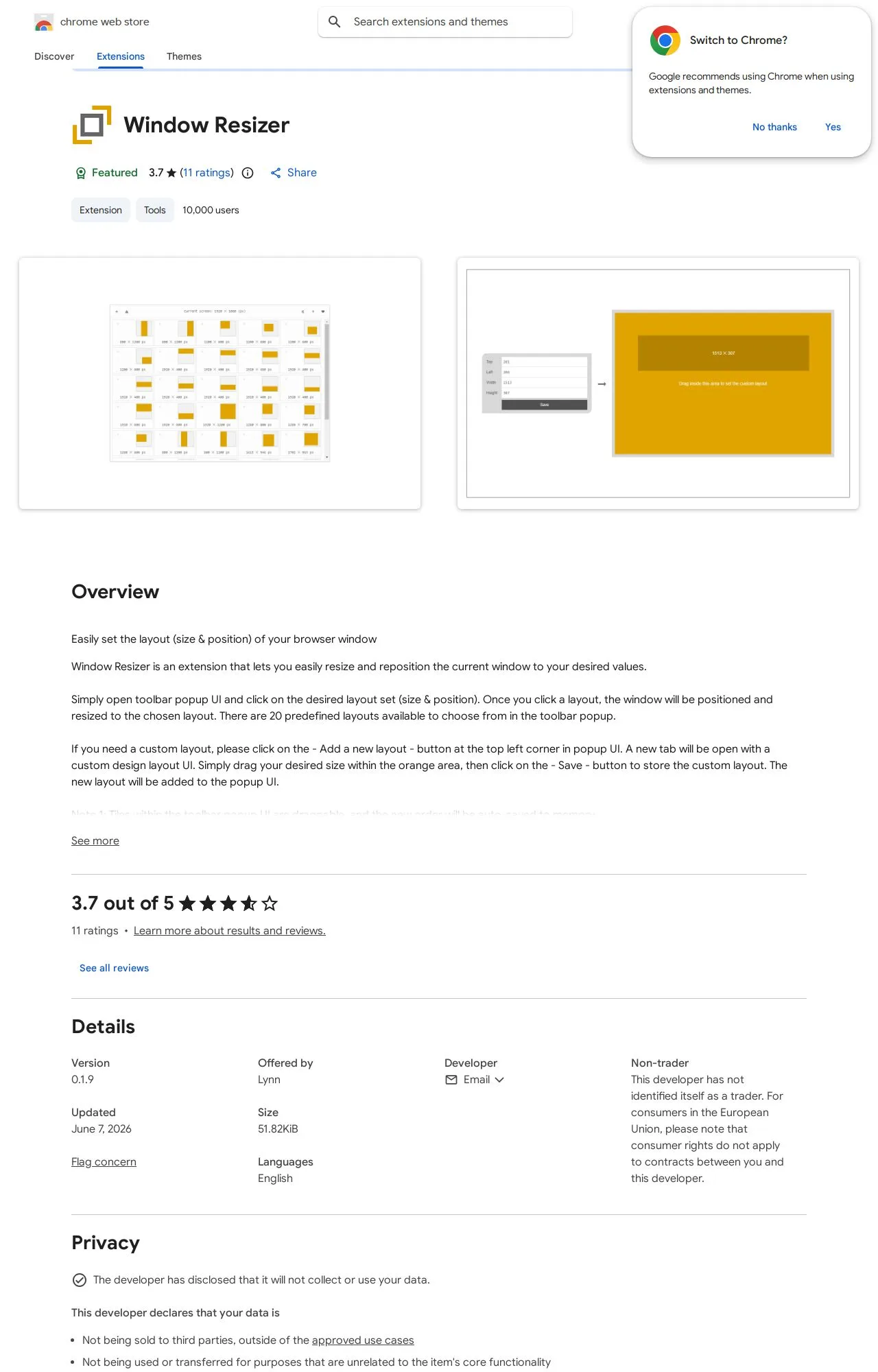
On the public records we can check, Window Resizer comes through cleanly. 10,000 active users/installs reported on the store. Store rating 3.7/5 from 11 user ratings. Last updated on the store 2026-06-07. This is an automated profile, not a hands-on review — so treat the grade as a starting point: open Window Resizer's own store listing and privacy policy before installing, and weigh it against the other browser extensions we track below.
Safety Signals
Based on 5 of 5 safety dimensions
| Dimension | Score | Bar | Source |
|---|---|---|---|
| Publisher & Identity | 60% · 4.8/8 pts 2 of 5 checks verified | Automated signals | |
| Permissions & Access | 100% · 25/25 pts 3 of 3 checks verified | Automated signals | |
| Data & Privacy | 83% · 13.2/16 pts 4 of 5 checks verified | Automated signals | |
| Maintenance & Ownership | 100% · 7.5/7.5 pts 1 of 2 checks verified | Automated signals | |
| Community Reputation | 66% · 6.6/10 pts 2 of 4 checks verified | Automated signals |
In-depth safety analysis
This extension requests only two permissions: storage (to save your resizing presets locally) and system.display (to read monitor information and coordinate window placement). Neither permission grants access to your browsing history, website data, or any network communication. For a window‑resizer utility, this minimal scope is entirely normal and avoids unnecessary exposure.
General‑purpose browser tools like resizers typically pose low inherent risk if their permissions stay narrow. A careful user should note that the extension comes from an individual developer (“Lynn”) rather than a known organization, meaning long‑term support and accountability depend on one person. As with any extension, a future update could alter behavior or entitlements; reviewing permission changes after updates is wise. The privacy practices are self‑declared as not selling data and not using it for unrelated purposes, which aligns with the limited data access.
The safety score (85.85, grade A) highlights Maintenance & Ownership as the strongest dimension — the extension was recently updated and is actively kept current. Publisher & Identity is the weakest point, reflecting the individual publisher’s lower visibility and fewer external trust signals compared to an established studio. Combined with a modest number of ratings, this suggests a secure but lightly‑vetted tool.
AI-assisted analysis of the documented signals above (permissions, store data, privacy practices) — explains what they mean and the risks typical for this category. Not a hands-on test.
What the store listing shows
Who's Behind Window Resizer?
- Publisher Lynn
Public records identify the publisher, but no individual founders or a separate registered company are named — which is what holds the Publisher & Identity score back. Less public information about who operates an extension means less you can verify about their long-term accountability.
How it compares
Among the 838 browser extensions we track, Window Resizer scores higher on safety than 86% of them.
Computed from our own database of assessed browser extensions — updated as we track more.
Evidence on File (12)
Window Resizer FAQ
- Is Window Resizer safe?
- Window Resizer earns a safety grade of A (85.9/100) on our evidence-based assessment, based on 5 of 5 safety dimensions we could verify from public records. This is an automated profile built from public records, not a hands-on review.
- Who is behind Window Resizer?
- Window Resizer is operated by Lynn.
Browse all browser extensions we've checked →