Is TextExpander: Keyboard Shortcuts & Templates Safe? — Extension Safety Profile
Quick verdict: TextExpander: Keyboard Shortcuts & Templates earns a safety grade B, 74.1 out of 100, based on 5 of 5 dimensions.
74.1/100
Grade B · 5 of 5 checks
What we found
Automated safety profile from public signals (the extension's manifest & permissions, store listing, publisher, privacy policy). A full review hasn't been published yet.
What this safety grade means
TextExpander: Keyboard Shortcuts & Templates earns a safety grade of B (74.1/100), measured across 5 of 5 dimensions. Its strongest area is Maintenance & Ownership (100%). The weakest is Permissions & Access (52%) — what holds its grade back the most.
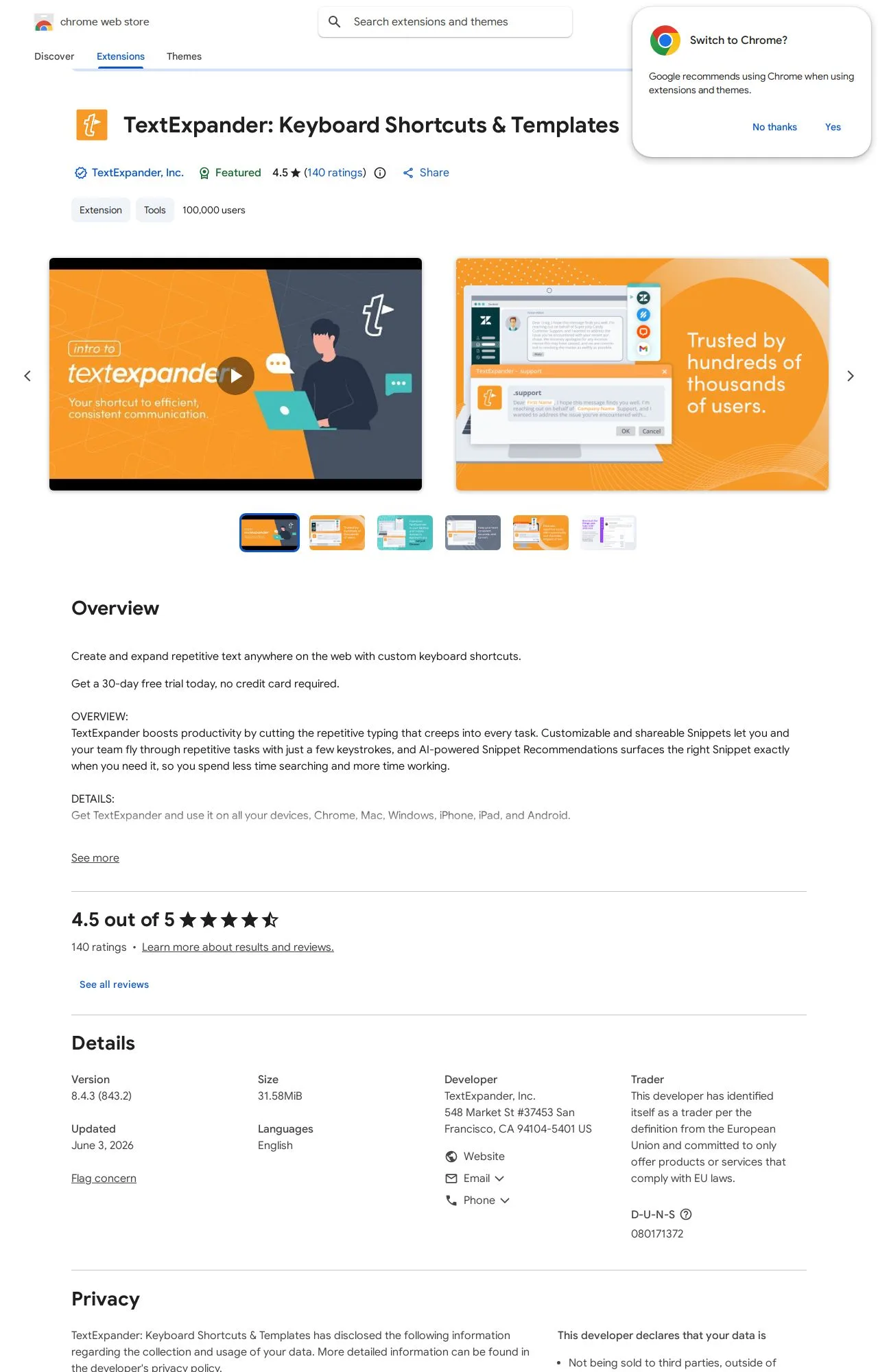
On the public records we can check, TextExpander: Keyboard Shortcuts & Templates looks broadly trustworthy. 100,000 active users/installs reported on the store. Store rating 4.5/5 from 140 user ratings. Last updated on the store 2026-06-03. This is an automated profile, not a hands-on review — so treat the grade as a starting point: open TextExpander: Keyboard Shortcuts & Templates's own store listing and privacy policy before installing, and weigh it against the other productivity extensions we track below.
Safety Signals
Based on 5 of 5 safety dimensions
| Dimension | Score | Bar | Source |
|---|---|---|---|
| Publisher & Identity | 60% · 4.8/8 pts | Automated signals | |
| Permissions & Access | 52% · 12.9/25 pts | Automated signals | |
| Data & Privacy | 93% · 14.8/16 pts | Automated signals | |
| Maintenance & Ownership | 100% · 7.5/7.5 pts | Automated signals | |
| Community Reputation | 93% · 9.3/10 pts | Automated signals |
In-depth safety analysis
This extension requests a broad set of permissions, including access to all websites () and the ability to read and write clipboard data. It also uses native messaging, which can communicate with a companion desktop application. For a text expansion and shortcut tool, these capabilities are largely expected—it needs to detect text patterns on any page you visit and insert or replace content, including from your clipboard. However, the combination of and clipboard access means it can technically read and modify sensitive information you type or copy, so a careful user should verify that the companion software is from a trusted source.
Productivity extensions that automate text input often require deep integration with web pages and system-level features. Users should be aware that such tools can inadvertently capture or transmit data if not properly configured. The developer's privacy disclosures state they collect personally identifiable information and user activity, which is common for services that sync snippets across devices. It is wise to review what data is being stored and whether the extension's functionality is limited to what you actually need.
The fact sheet shows a strong maintenance record and high community reputation, with a 4.5-star rating from a substantial user base. The weakest dimension is the permissions scope, which is broad but typical for this category. The publisher identity score is moderate, and the extension is declared as not selling user data or using it for creditworthiness, which aligns with the privacy practices shown.
AI-assisted analysis of the documented signals above (permissions, store data, privacy practices) — explains what they mean and the risks typical for this category. Not a hands-on test.
What the store listing shows
Who's Behind TextExpander: Keyboard Shortcuts & Templates?
- Publisher TextExpander, Inc.
Public records identify the publisher, but no individual founders or a separate registered company are named — which is what holds the Publisher & Identity score back. Less public information about who operates an extension means less you can verify about their long-term accountability.
How it compares
Among the 25 Productivity extensions we track, TextExpander: Keyboard Shortcuts & Templates scores higher on safety than 48% of them.
Computed from our own database of assessed Productivity extensions — updated as we track more.
Evidence on File (12)
TextExpander: Keyboard Shortcuts & Templates FAQ
- Is TextExpander: Keyboard Shortcuts & Templates safe?
- TextExpander: Keyboard Shortcuts & Templates earns a safety grade of B (74.1/100) on our evidence-based assessment, based on 5 of 5 safety dimensions we could verify from public records. This is an automated profile built from public records, not a hands-on review.
- Who is behind TextExpander: Keyboard Shortcuts & Templates?
- TextExpander: Keyboard Shortcuts & Templates is operated by TextExpander, Inc..
Alternatives we track
 Anywhere stickers - simple sticky notes A
 Compare TextExpander: Keyboard Shortcuts & Templates head-to-head:
- TextExpander: Keyboard Shortcuts & Templates vs Notes: Keep Sticky Thoughts in Google Drive — safety comparison
- TextExpander: Keyboard Shortcuts & Templates vs Super Simple Highlighter — safety comparison
- TextExpander: Keyboard Shortcuts & Templates vs PrintFriendly: Print, PDF Editor & Full Page Screenshot — safety comparison
Browse all browser extensions we've checked → · Best Productivity extensions