Is Free Auto Text Expander for Google Chrome Safe? — Extension Safety Profile
Quick verdict: Free Auto Text Expander for Google Chrome earns a safety grade B, 78.3 out of 100, based on 5 of 5 dimensions.
78.3/100
Grade B · 5 of 5 checks
What we found
Automated safety profile from public signals (the extension's manifest & permissions, store listing, publisher, privacy policy). A full review hasn't been published yet.
What this safety grade means
Free Auto Text Expander for Google Chrome earns a safety grade of B (78.3/100), measured across 5 of 5 dimensions. Its strongest area is Maintenance & Ownership (100%). The weakest is Community Reputation (57%) — what holds its grade back the most.
On the public records we can check, Free Auto Text Expander for Google Chrome looks broadly trustworthy. 90,000 active users/installs reported on the store. Store rating 3.3/5 from 411 user ratings. Last updated on the store 2026-06-12. This is an automated profile, not a hands-on review — so treat the grade as a starting point: open Free Auto Text Expander for Google Chrome's own store listing and privacy policy before installing, and weigh it against the other productivity extensions we track below.
Safety Signals
Based on 5 of 5 safety dimensions
| Dimension | Score | Bar | Source |
|---|---|---|---|
| Publisher & Identity | 60% · 4.8/8 pts 2 of 5 checks verified | Automated signals | |
| Permissions & Access | 83% · 20.8/25 pts 3 of 3 checks verified | Automated signals | |
| Data & Privacy | 83% · 13.2/16 pts 4 of 5 checks verified | Automated signals | |
| Maintenance & Ownership | 100% · 7.5/7.5 pts 1 of 2 checks verified | Automated signals | |
| Community Reputation | 57% · 5.8/10 pts 2 of 4 checks verified | Automated signals |
In-depth safety analysis
This extension requests permissions that allow it to read and modify the current page (activeTab, scripting), read your clipboard (clipboardRead), and store unlimited data locally (storage, unlimitedStorage). For a text expander, these are broadly expected because the tool needs to detect typed abbreviations and paste expansions, which often involves copying from the clipboard and inserting content into web forms. However, the combination of clipboard access and the ability to run scripts on pages gives it significant power over your browsing environment.
As with any productivity tool that can interact with web content and access the clipboard, a careful user should be aware of typical risks. Text expanders can potentially capture sensitive information you copy to the clipboard, including passwords or personal data, and a malicious or compromised extension could misuse this access. ActiveTab and scripting also permit reading and changing the data shown on websites you visit while the extension is active. Keeping such an extension updated and reviewing its settings is a sensible precaution, even though no specific issues are reported here.
The fact sheet shows a strong Maintenance & Ownership score (100/100), suggesting the extension is well‑maintained and reliably sourced, which lowers the chance of abandonment vulnerabilities. The weakest dimension is Community Reputation (57/100), reflected in a 3.3‑star average from over 400 ratings. While that rating is not extremely low, it does indicate some user dissatisfaction and means the relatively broad permissions deserve extra consideration before installation.
AI-assisted analysis of the documented signals above (permissions, store data, privacy practices) — explains what they mean and the risks typical for this category. Not a hands-on test.
What the store listing shows
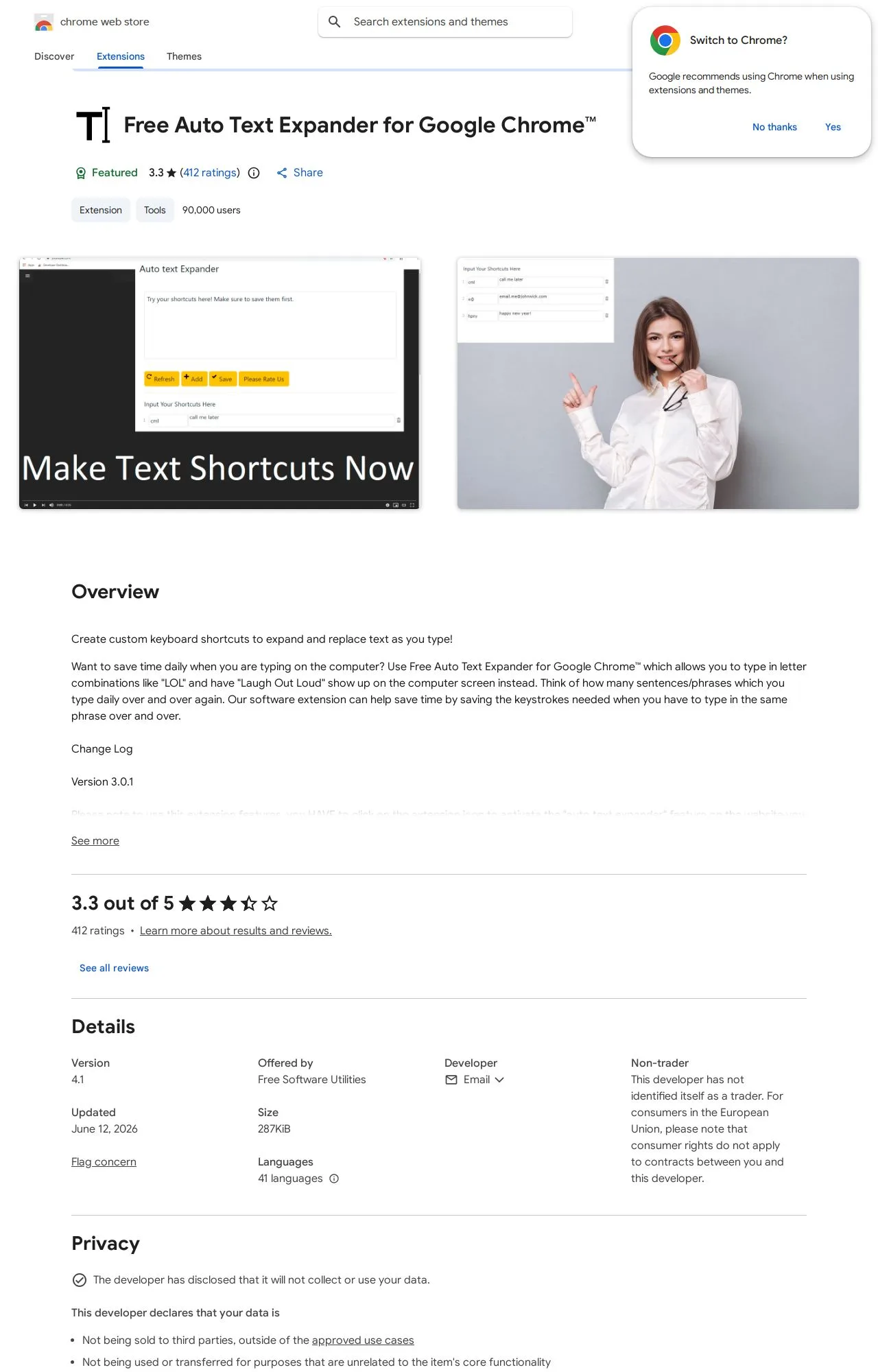
Who's Behind Free Auto Text Expander for Google Chrome?
- Publisher Free Software Utilities
Public records identify the publisher, but no individual founders or a separate registered company are named — which is what holds the Publisher & Identity score back. Less public information about who operates an extension means less you can verify about their long-term accountability.
How it compares
Among the 25 Productivity extensions we track, Free Auto Text Expander for Google Chrome scores higher on safety than 68% of them.
Computed from our own database of assessed Productivity extensions — updated as we track more.
Evidence on File (12)
Free Auto Text Expander for Google Chrome FAQ
- Is Free Auto Text Expander for Google Chrome safe?
- Free Auto Text Expander for Google Chrome earns a safety grade of B (78.3/100) on our evidence-based assessment, based on 5 of 5 safety dimensions we could verify from public records. This is an automated profile built from public records, not a hands-on review.
- Who is behind Free Auto Text Expander for Google Chrome?
- Free Auto Text Expander for Google Chrome is operated by Free Software Utilities.
Alternatives we track
 Anywhere stickers - simple sticky notes A
 Compare Free Auto Text Expander for Google Chrome head-to-head:
- Free Auto Text Expander for Google Chrome vs Notes: Keep Sticky Thoughts in Google Drive — safety comparison
- Free Auto Text Expander for Google Chrome vs Super Simple Highlighter — safety comparison
- Free Auto Text Expander for Google Chrome vs PrintFriendly: Print, PDF Editor & Full Page Screenshot — safety comparison
Browse all browser extensions we've checked → · Best Productivity extensions