Is Avira Password Manager Safe? — Extension Safety Profile
Quick verdict: Avira Password Manager earns a safety grade B, 77.3 out of 100, based on 5 of 5 dimensions.
77.3/100
Grade B · 5 of 5 checks
What we found
Automated safety profile from public signals (the extension's manifest & permissions, store listing, publisher, privacy policy). A full review hasn't been published yet.
What this safety grade means
Avira Password Manager earns a safety grade of B (77.3/100), measured across 5 of 5 dimensions. Its strongest area is Maintenance & Ownership (100%). The weakest is Publisher & Identity (60%) — what holds its grade back the most.
On the public records we can check, Avira Password Manager looks broadly trustworthy. 8,000,000 active users/installs reported on the store. Store rating 2.8/5 from 564 user ratings. Last updated on the store 2026-10-08. This is an automated profile, not a hands-on review — so treat the grade as a starting point: open Avira Password Manager's own store listing and privacy policy before installing, and weigh it against the other password managers extensions we track below.
Safety Signals
Based on 5 of 5 safety dimensions
| Dimension | Score | Bar | Source |
|---|---|---|---|
| Publisher & Identity | 60% · 4.8/8 pts 2 of 5 checks verified | Automated signals | |
| Permissions & Access | 77% · 19.2/25 pts 3 of 3 checks verified | Automated signals | |
| Data & Privacy | 85% · 13.6/16 pts 4 of 5 checks verified | Automated signals | |
| Maintenance & Ownership | 100% · 7.5/7.5 pts 1 of 2 checks verified | Automated signals | |
| Community Reputation | 64% · 6.4/10 pts 2 of 4 checks verified | Automated signals |
In-depth safety analysis
This extension is a password manager, so its broad permission requests are typical for the category. The ability to read and change data on all websites (), along with access to browsing history, tabs, cookies, and web requests, allows it to fill in login credentials, capture new passwords, and monitor account forms wherever you browse. For a password manager, this level of access is necessary to function, but it also means the extension can technically see all information you enter online, making the trustworthiness of the publisher critical.
As with any password manager, a careful user should treat the master password and any separate two-factor authentication with extreme care. Password manager extensions are a prime target for attackers because they hold the keys to all your accounts. Be very cautious about installing look-alike or clone extensions that may imitate popular brands, and always ensure you are installing the official version from a verified publisher.
Looking at the safety dimensions for this extension, the strongest area is Maintenance & Ownership, indicating the extension is actively maintained and the ownership is clear. The weakest dimension is Publisher & Identity, which suggests there may be some uncertainty or limited transparency about the exact business entity behind the extension on the store, despite the publisher being listed as Avira. This is a factor to weigh when using any tool with such high-privilege access.
AI-assisted analysis of the documented signals above (permissions, store data, privacy practices) — explains what they mean and the risks typical for this category. Not a hands-on test.
What the store listing shows
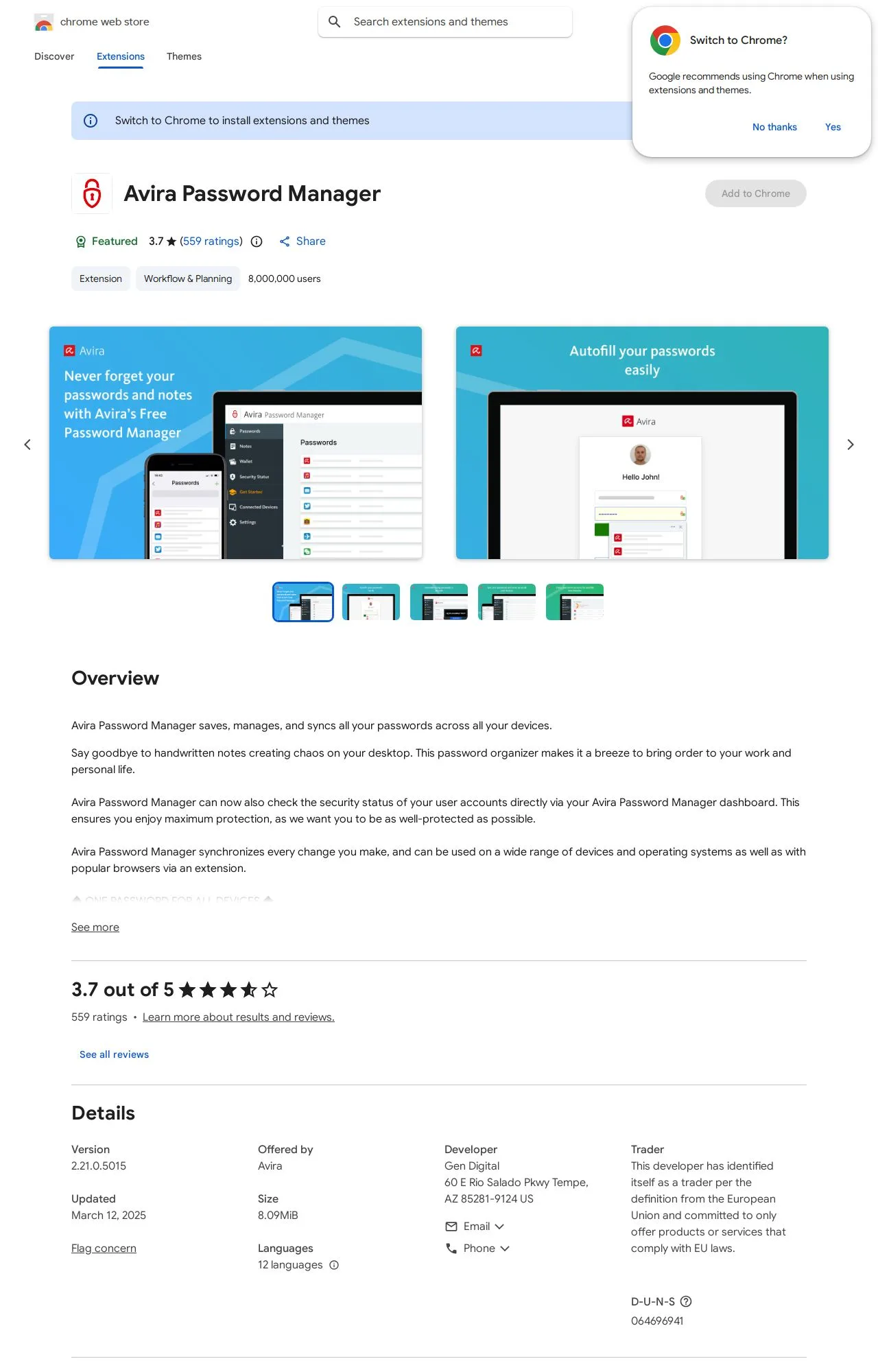
Who's Behind Avira Password Manager?
- Publisher Avira
Public records identify the publisher, but no individual founders or a separate registered company are named — which is what holds the Publisher & Identity score back. Less public information about who operates an extension means less you can verify about their long-term accountability.
How it compares
Among the 4 Password Managers extensions we track, Avira Password Manager has the highest safety score.
Computed from our own database of assessed Password Managers extensions — updated as we track more.
Evidence on File (12)
Avira Password Manager FAQ
- Is Avira Password Manager safe?
- Avira Password Manager earns a safety grade of B (77.3/100) on our evidence-based assessment, based on 5 of 5 safety dimensions we could verify from public records. This is an automated profile built from public records, not a hands-on review.
- Who is behind Avira Password Manager?
- Avira Password Manager is operated by Avira.
Alternatives we track
Browse all browser extensions we've checked → · Best Password Managers extensions