Is AutoFill Forms Safe? — Extension Safety Profile
Quick verdict: AutoFill Forms earns a safety grade B, 76 out of 100, based on 5 of 5 dimensions.
76/100
Grade B · 5 of 5 checks
What we found
Automated safety profile from public signals (the extension's manifest & permissions, store listing, publisher, privacy policy). A full review hasn't been published yet.
What this safety grade means
AutoFill Forms earns a safety grade of B (76/100), measured across 5 of 5 dimensions. Its strongest area is Permissions & Access (90%). The weakest is Publisher & Identity (60%) — what holds its grade back the most.
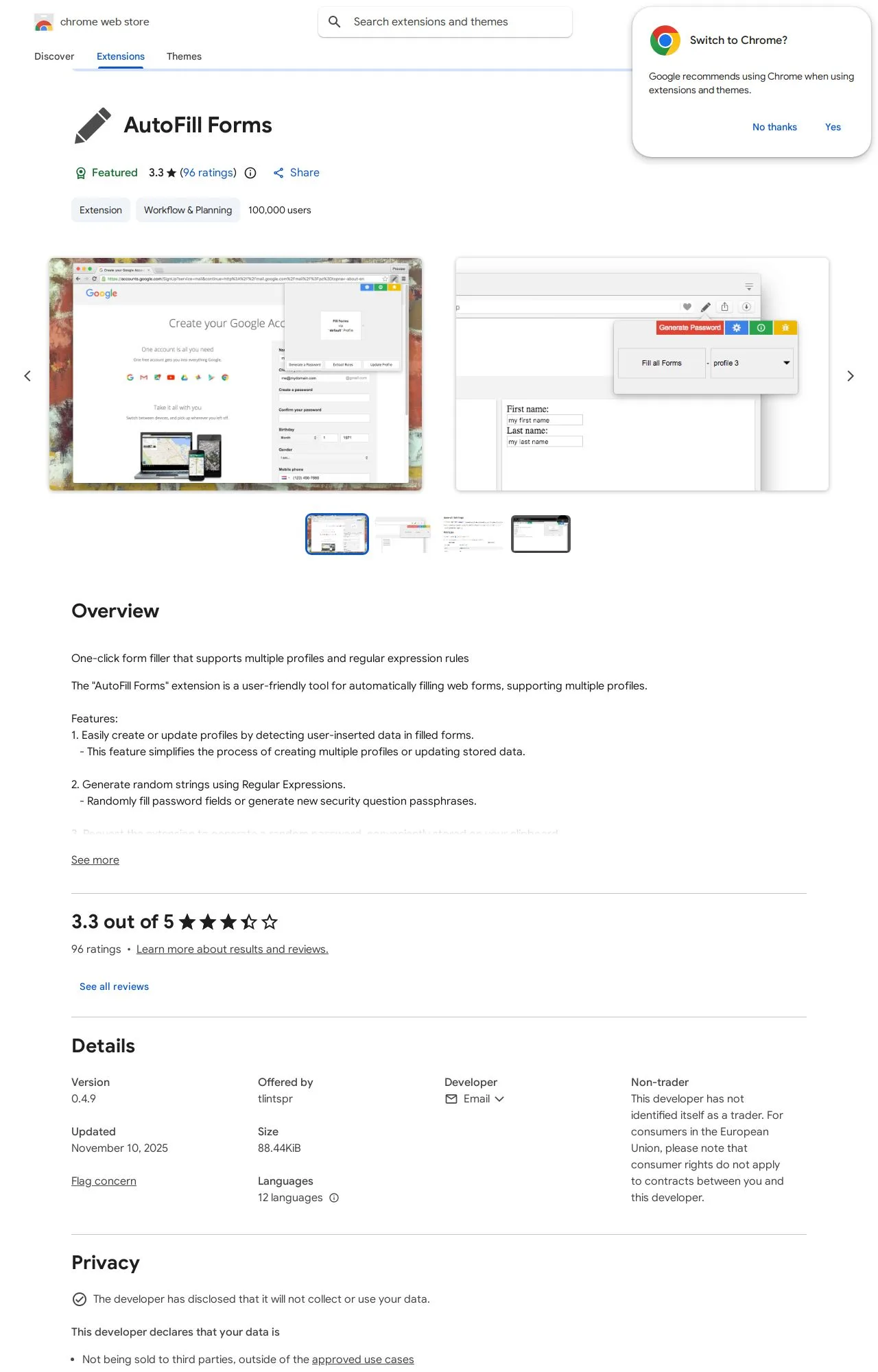
On the public records we can check, AutoFill Forms looks broadly trustworthy. 100,000 active users/installs reported on the store. Store rating 3.2/5 from 97 user ratings. Last updated on the store 2025-11-10. This is an automated profile, not a hands-on review — so treat the grade as a starting point: open AutoFill Forms's own store listing and privacy policy before installing, and weigh it against the other productivity extensions we track below.
Safety Signals
Based on 5 of 5 safety dimensions
| Dimension | Score | Bar | Source |
|---|---|---|---|
| Publisher & Identity | 60% · 4.8/8 pts | Automated signals | |
| Permissions & Access | 90% · 22.5/25 pts | Automated signals | |
| Data & Privacy | 75% · 12/16 pts | Automated signals | |
| Maintenance & Ownership | 60% · 4.5/7.5 pts | Automated signals | |
| Community Reputation | 68% · 6.8/10 pts | Automated signals |
In-depth safety analysis
This extension requests permissions that are typical for a form-filling tool. The scripting and activeTab permissions allow it to inject code into the current webpage to read and fill form fields, while storage lets it save your form data locally. The notifications and contextMenus permissions enable it to show alerts and add right-click menu options, which are common for quick-access features in this category.
For any productivity extension that handles personal data like addresses or payment details, a careful user should understand that the filled information is processed by the extension. The developer's privacy declaration states it collects location data, which is somewhat more sensitive than what a basic form filler typically requires. Users should be mindful of where their data is stored and whether it is transmitted anywhere, especially since the publisher's identity and maintenance track record scored lower in the assessment.
The strongest safety dimension for this extension is its permissions access model, which scored highly and suggests the requested capabilities are reasonably scoped for its function. However, the weakest dimension is publisher and identity, reflecting limited public information about the developer behind the account. Combined with a moderate community reputation score, this indicates users have reported some reliability concerns, so it is wise to verify that the extension functions correctly before trusting it with sensitive form entries.
AI-assisted analysis of the documented signals above (permissions, store data, privacy practices) — explains what they mean and the risks typical for this category. Not a hands-on test.
What the store listing shows
Who's Behind AutoFill Forms?
- Publisher tlintspr
Public records identify the publisher, but no individual founders or a separate registered company are named — which is what holds the Publisher & Identity score back. Less public information about who operates an extension means less you can verify about their long-term accountability.
How it compares
Among the 25 Productivity extensions we track, AutoFill Forms scores higher on safety than 60% of them.
Computed from our own database of assessed Productivity extensions — updated as we track more.
Evidence on File (12)
AutoFill Forms FAQ
- Is AutoFill Forms safe?
- AutoFill Forms earns a safety grade of B (76/100) on our evidence-based assessment, based on 5 of 5 safety dimensions we could verify from public records. This is an automated profile built from public records, not a hands-on review.
- Who is behind AutoFill Forms?
- AutoFill Forms is operated by tlintspr.
Alternatives we track
 Anywhere stickers - simple sticky notes A
 Browse all browser extensions we've checked → · Best Productivity extensions